

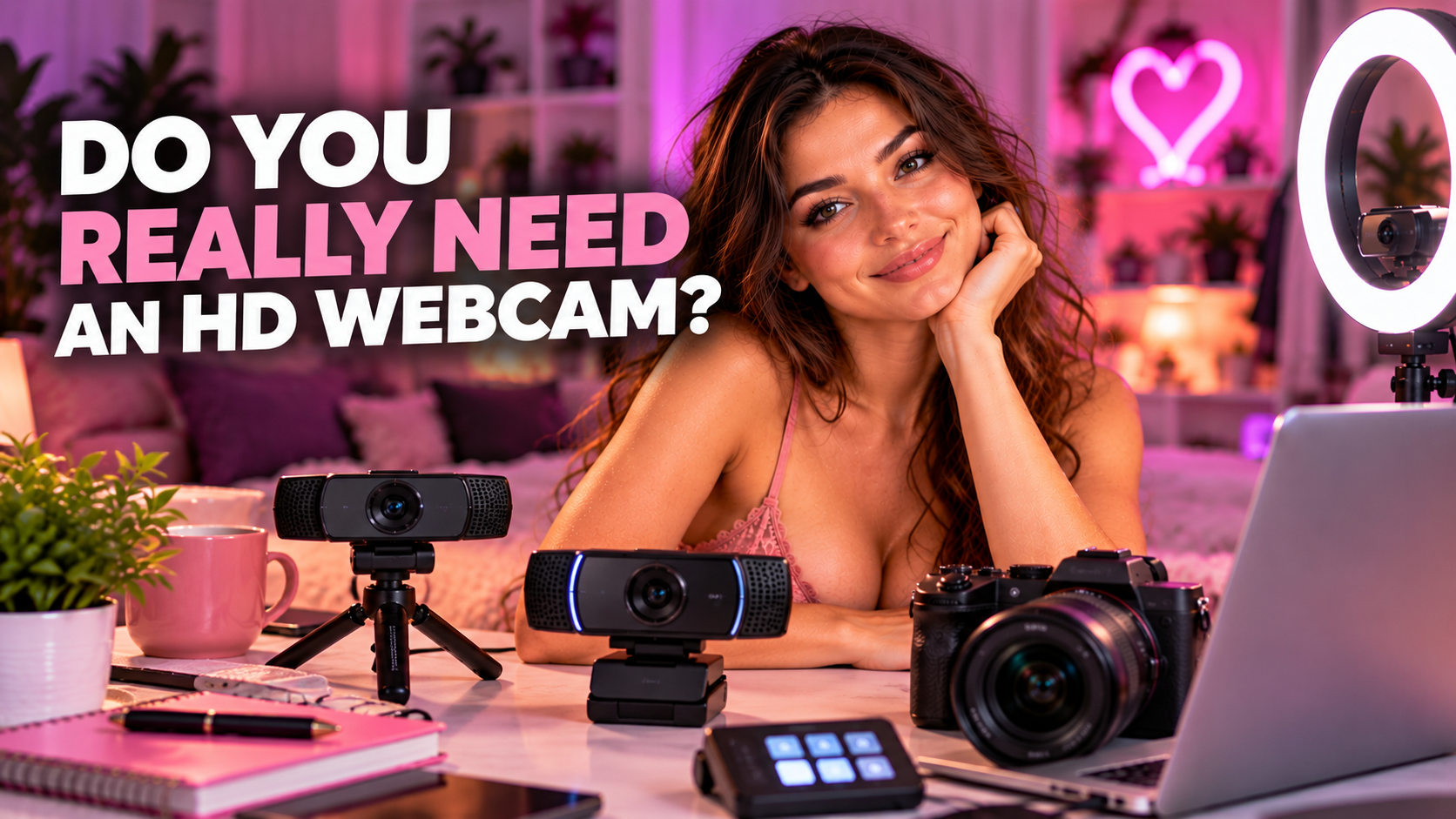
Short answer: yes, you need a decent camera. No, you don’t need to spend a fortune on one.
If you’re buying a webcam specifically for camming, 1080p is the sweet spot I’d recommend for most beginners. It’s affordable, widely supported and more than enough to produce a good-looking stream.
But here’s the important part: resolution isn’t the same thing as image quality.
A 4K webcam won’t save terrible lighting. An expensive camera won’t fix a freezing internet connection. And your viewers probably aren’t going to care about the specifications on the box if your stream already looks clear, smooth and flattering.
So before dropping $200 or $300 on the fanciest camera you can find, let’s figure out what you actually need.
Is 1080p Enough for Camming?
For most cam models, absolutely.
1080p gives you a detailed HD image without requiring the bandwidth and processing power associated with higher resolutions.
It’s also easy to find affordable webcams that can handle it.
If you’re shopping for your first webcam, I’d consider 1080p at 30 fps a perfectly reasonable starting point.
Already own a decent 720p webcam?
You don’t necessarily need to replace it before your first stream. Set it up, give it some proper lighting and see what the image actually looks like.
If it’s clear and your stream runs smoothly, start working.
You can always upgrade after you’ve made some money.
I wouldn’t specifically buy a new 720p camera today, though. The price difference between basic 720p and 1080p webcams usually doesn’t justify limiting yourself from the beginning.
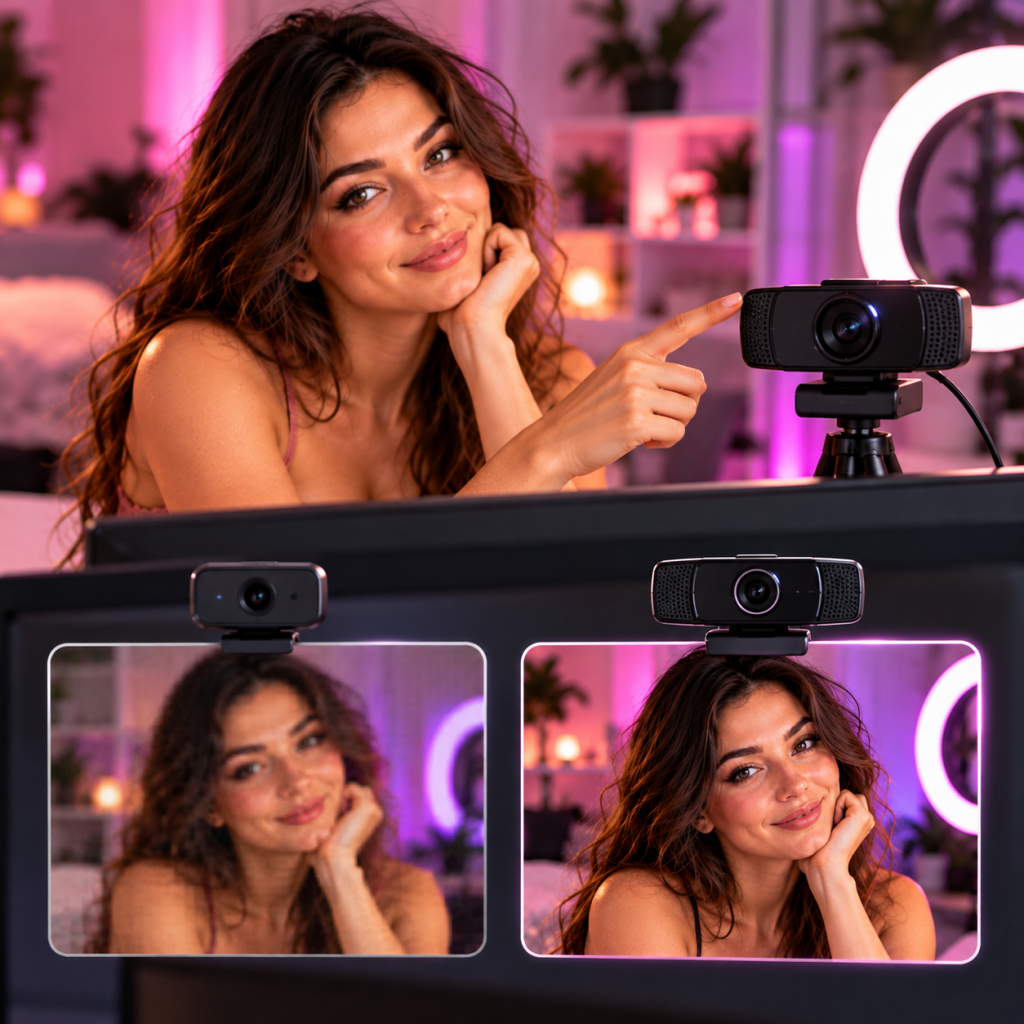
Do You Need a 4K Webcam?
Nope.
4K can be useful, particularly if you’re also recording videos or creating other content. The additional resolution gives you more detail and flexibility for cropping and reframing.
But for ordinary live camming, it’s a luxury rather than a requirement.
Modern creator webcams can offer 4K, high frame rates, tracking and all kinds of clever features.
They’re cool.
They can also be completely unnecessary.
If your budget gives you a choice between:
an expensive 4K webcam + bad lighting
or
a decent 1080p webcam + good lighting
take the second setup.
Every time.
Resolution Isn’t Everything
It’s easy to shop for cameras by comparing one number.
720p.
1080p.
4K.
Bigger must be better, right?
Not necessarily.
Resolution tells you how many pixels are in the image. It doesn’t tell you whether those pixels actually look good.
Image quality is also affected by things like:
- Lighting
- Sensor quality
- Lens quality
- Autofocus
- Exposure
- Color reproduction
- Frame rate
- Camera positioning
- Streaming compression
This is why one 1080p camera can look noticeably better than another 1080p camera.
And it’s why upgrading from 1080p to 4K doesn’t automatically make your stream twice as good.
What Should You Look for in a Webcam?
Don’t get buried in specifications.
For camming, I’d prioritize a few things.
1080p or Better
If you’re buying new, start here.
You don’t need 4K, but 1080p gives you a good baseline without making your setup unnecessarily expensive.
Reliable Autofocus
You’re probably not going to sit perfectly still throughout an entire show.
A webcam should be able to keep you looking sharp as you move around your streaming space.
Constant focus hunting is distracting as hell.
Good Image Quality in Indoor Lighting
Most camming happens indoors, often in relatively soft or atmospheric lighting.
Some cameras handle that much better than others.
But remember that “good low-light performance” doesn’t mean you should stream in a cave.
Give the camera some light to work with.
A Useful Field of View
Think about how much of your room you want viewers to see.
A tighter field of view may work well if you’re mostly sitting at a desk. A wider camera can be useful if you move around during shows.
More isn’t automatically better here either.
A super-wide image can reveal parts of your room you didn’t actually want on camera.
Tripod or Mounting Options
Being able to position the camera properly is underrated.
Your webcam doesn’t have to live permanently on top of your monitor.
A small tripod, stand or flexible mounting system can give you much better camera angles and make experimenting with your room considerably easier.
What About 30 FPS vs 60 FPS?
FPS means frames per second.
In simple terms, higher FPS can make movement look smoother.
30 fps is perfectly fine for camming.
60 fps can look smoother, particularly if there’s a lot of movement in your shows, but it isn’t something I’d consider mandatory for a beginner.
Higher frame rates can also demand more from your computer, camera and internet connection.
Don’t sacrifice stability just because 60 sounds better than 30.
A smooth, reliable 1080p30 stream beats a 1080p60 stream that constantly freezes.
Your Lighting May Matter More Than Your Camera
Before replacing a webcam because you don’t like the image, try something first.
Fix your lighting.
Seriously.
A decent camera needs light to create a good image.
If you’re sitting in a dark bedroom with one yellow ceiling bulb behind you, even an expensive camera is going to struggle.
You don’t need a professional photography studio.
Start with a light in front of you.
Move it around.
Change the height.
Try it slightly to one side.
Adjust the brightness.
Then look at the actual camera preview.
Your room doesn’t need to look perfectly illuminated to your eyes. It needs to look good through the camera.
Sometimes $50 spent on improving your lighting will make a bigger difference than $200 spent replacing your webcam.
Should You Use Your Laptop’s Built-In Camera?
Maybe.
Laptop cameras have improved considerably, and if yours produces a clean 1080p image, there’s nothing inherently wrong with using it while you’re getting started.
The bigger problem is flexibility.
A built-in camera is attached to your screen.
Want a lower angle?
Move the laptop.
Want a wider room shot?
Move the laptop.
Want to place the camera somewhere completely different?
Well… move the laptop again 😂
An external webcam gives you much more freedom to position the camera where it actually looks best.
That’s one of the reasons I’d still prefer an external webcam for a proper cam setup even if your laptop camera isn’t terrible.
What About Using a DSLR or Mirrorless Camera?
This is where things get interesting.
A dedicated camera can produce a noticeably more polished image than a typical webcam.
Depending on the camera and lens, you can get better low-light performance, more natural background blur, better colors and much more control over how the image looks.
That can be fantastic if camming has become a serious business for you.
But there’s a catch.
It can also mean more equipment and more setup.
Depending on your camera, you may need:
- The camera itself
- A suitable lens
- A tripod
- Continuous power
- A capture card or compatible USB streaming connection
- HDMI cables
- Additional software or configuration
Suddenly “I need a webcam” has turned into a small production studio.
For a beginner?
Probably overkill.
For an established model who already has good lighting, good audio, reliable internet and consistent income?
Now we’re talking.
A Good Point From the OCamGirl Community
One of our readers, Charlise, made a really good argument in the comments: if you’re serious about image quality, don’t assume a better webcam is always the final upgrade.
She pointed out that a dedicated camera and capture setup can give you better low-light performance, richer colors and more control over the look of your image. She also made the important point that resolution alone doesn’t determine image quality.
She’s right.
But that doesn’t mean every new model should immediately start shopping for cameras, lenses and capture cards.
Think of a dedicated camera as an advanced upgrade.
Get the basics right first.
When Should You Upgrade Your Camera?
Don’t upgrade because you’ve been camming for six months.
Don’t upgrade because another model has a better camera.
And definitely don’t upgrade because somebody made a video called “YOU NEED THIS WEBCAM IN 2026!!!”
Upgrade when your current camera becomes a limitation.
Maybe the autofocus is unreliable.
Maybe the image remains noisy even after you’ve improved your lighting.
Maybe you want better low-light performance.
Maybe you’re creating recorded content and want more flexibility.
Maybe you want 60 fps.
Maybe you simply need camera angles your existing setup can’t provide.
Those are actual reasons to spend money.
“I feel like I should buy something” isn’t.
A Simple Camera Upgrade Path
If I were building a cam setup from scratch, I’d do it in stages.
Just Starting
Get a decent 1080p webcam.
Pair it with good lighting and a stable internet connection.
Then start streaming.
You don’t need anything more complicated yet.
Making Consistent Money
Once you’re earning regularly, you’ll have a much better idea of what your setup is missing.
Maybe you want a higher-quality webcam.
Maybe 4K would help with recorded content.
Maybe 60 fps would suit the way you perform.
Maybe automatic tracking would make your shows easier.
At this point you’re upgrading based on experience instead of guessing.
Treating Camming as a Serious Business
If your camera has genuinely become the weakest part of an otherwise polished setup, then a dedicated mirrorless or similar camera setup may make sense.
You’re no longer buying equipment hoping it’ll make you successful.
You’re reinvesting some of the money from an existing business into improving production quality.
That’s a much smarter reason to upgrade.
Don’t Forget Your Internet Connection
Your camera can only send what your connection can handle.
If you’re trying to stream at a high resolution or frame rate on an unreliable connection, your viewers may end up seeing freezing, buffering or reduced quality anyway.
Test your setup before going live.
If increasing the resolution makes your stream less stable, drop it.
Nobody is going to say:
“Wow, she froze in an incredibly detailed 4K image.”
Stability wins.
So, Do You Really Need an HD Webcam?
You need a camera that produces a clear, flattering and stable image.
If you’re buying new, I’d recommend 1080p or better.
But don’t assume that 4K automatically means better camming.
Start with a decent webcam.
Give it good lighting.
Position it properly.
Make sure your internet connection can handle your stream.
Then actually use it.
If you start making consistent money and eventually reach the point where your camera is holding your production quality back, upgrade.
Until then, your money may be better spent somewhere else.
A well-lit 1080p stream beats a badly lit 4K stream every time. 😉