
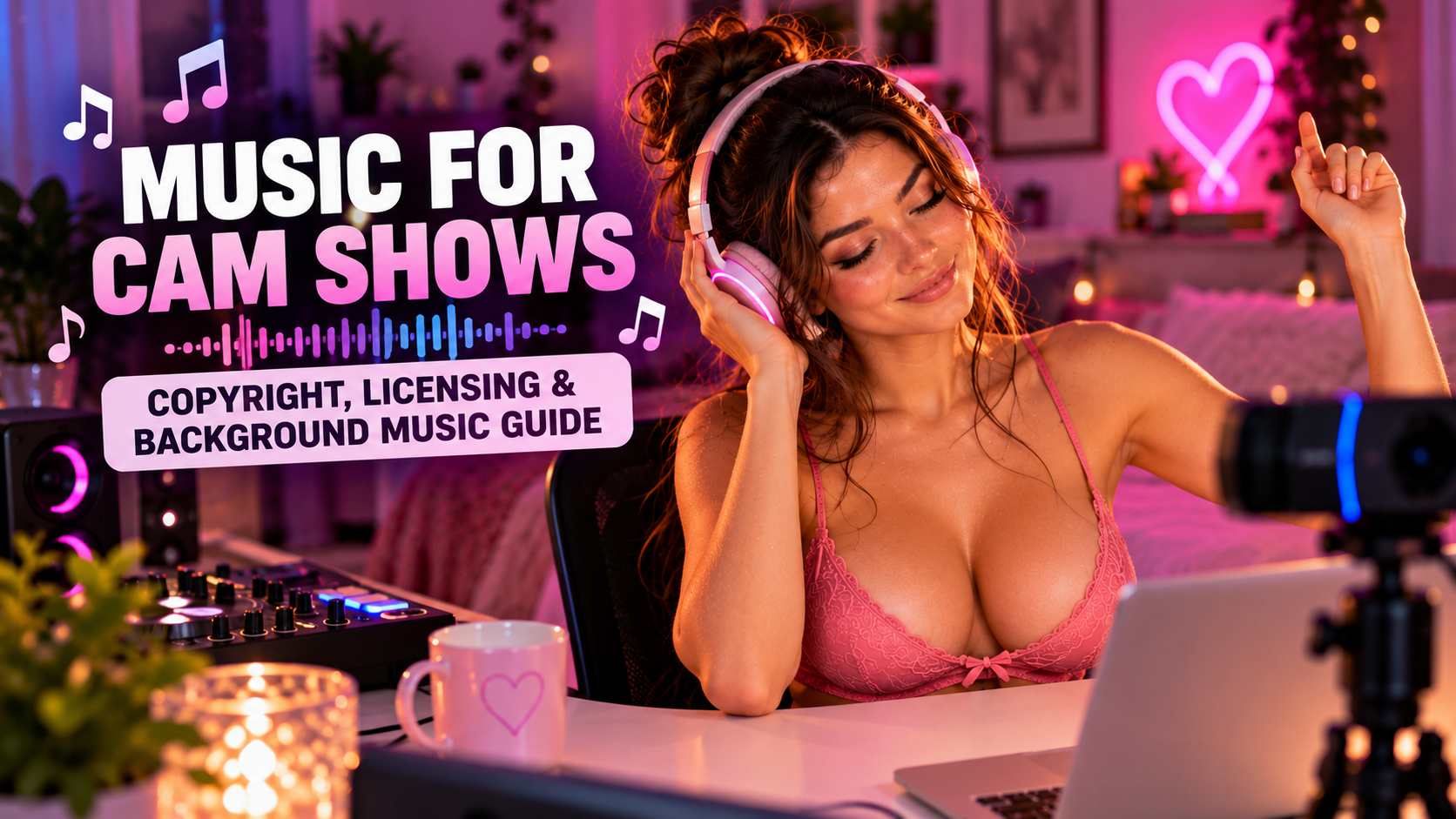
Music can completely change the atmosphere of a cam room. The right playlist can make a show feel more energetic, relaxed, playful or seductive, while also making those quiet moments between conversations feel a little less awkward.
It can also become part of your personality as a model. Viewers get to know what you listen to, recognize songs or styles associated with your room and sometimes even start conversations based on your music taste.
There is one important complication, though. You can’t assume that because you can listen to a song on Spotify, YouTube or another music service, you’re automatically allowed to broadcast it during a commercial cam show.
Copyright rules, music licenses and individual cam-site policies all matter, especially if you record your shows or turn them into clips later.
So let’s look at how to use music without turning your playlist into a copyright headache.
Do You Need Music During a Cam Show?
Music is completely optional. Some models love having something playing in the background because it gives the room energy and prevents silence from feeling awkward, while others prefer keeping the audio clean so they can focus entirely on conversations with viewers.
Both approaches can work.
If you use music, think about what it’s actually doing for your room. It should complement your personality and the atmosphere you’re trying to create rather than simply playing because you feel like every cam room needs a soundtrack.
A relaxed show might benefit from something soft and atmospheric. A more energetic room might work better with faster music. Your playlist can become another part of your branding alongside your lighting, room design and overall presentation.
Can You Play Copyrighted Music During a Cam Show?
This is where things get complicated.
Most commercially released music is protected by copyright, and having access to a song through a consumer streaming service doesn’t automatically give you permission to rebroadcast that song as part of your own commercial stream.
Don’t assume live content gets a free pass either. Automated copyright recognition is common across major content platforms, and individual cam sites can have their own rules about copyrighted material.
Before playing music on any cam platform, check its current performer terms and content policies.
This is especially important because platform rules can change. Something that worked without problems a few years ago may not necessarily be permitted today.
What About BongaCams?
BongaCams deserves a separate mention because it has historically approached music differently from many cam platforms.
The platform has offered music-related functionality directly within its ecosystem, including its AutoDJ system, which allowed music requests and playback to become part of the room experience.
That’s interesting because an integrated music feature is very different from simply opening Spotify on another device and broadcasting whatever you want through your microphone.
If you’re streaming on BongaCams, check what music functionality is currently available inside the platform and follow BongaCams’ current rules for using it. If the site provides an official music or DJ feature, use the platform-supported implementation rather than assuming that permission extends to music played independently from another service.
The general rule remains the same: platform-specific music support should be treated according to that platform’s current terms.
Live Streams and Recorded Clips Are Different Problems
Music becomes even more complicated when your live show turns into recorded content.
Maybe you record your own streams. Maybe you create highlights, sell clips or reuse short sections on other platforms. Once that happens, you’re potentially dealing with several different copyright systems and sets of terms.
A song that caused no obvious problem during the original stream could potentially result in a claim, mute or restriction when the same footage is uploaded elsewhere.
That’s why it’s worth thinking about music rights before recording. Discovering after editing a great 20-minute clip that the entire thing contains music you can’t distribute is an extremely annoying problem to have.
“But I Pay for Spotify”
Paying for Spotify gives you access to Spotify under its terms. It doesn’t mean you’ve purchased the copyright to the songs or obtained every right necessary to incorporate them into commercial content.
The same principle applies to other consumer music services.
Think about it this way: paying for access to Netflix doesn’t give you permission to rebroadcast a Netflix movie as part of your own paid show.
Music licenses work in a similar way. Listening to something privately and incorporating it into commercial content are different uses.
What About Music From YouTube?
The fact that a song is publicly available on YouTube doesn’t automatically mean you’re allowed to use it.
This is particularly confusing because you’ll find thousands of videos and playlists with titles such as “No Copyright Music,” “Free Music for Creators” or “Copyright Free Playlist.”
Those titles aren’t licenses.
Always check the actual terms supplied by the creator or music library. A track might require attribution, restrict commercial use, exclude certain types of content or only permit use on specific platforms.
If you’re planning to use a track regularly in paid streams or recorded clips, take a few minutes to understand what you’re actually allowed to do with it.
Royalty-Free Doesn’t Always Mean Free
“Royalty-free” is another phrase that causes a lot of confusion.
It usually describes a licensing arrangement rather than saying that a track costs nothing. Some royalty-free music is free, while other libraries charge per track or operate through subscriptions.
What matters is the license attached to the music.
For camming, you want to know whether your license covers the ways you’re actually planning to use the track, which could include livestreaming, commercial content, recorded clips, websites and social media.
Don’t stop reading when you see the words “royalty-free.” Check what the license actually allows.
Licensed Music Libraries Can Make Things Easier
One option is to use a music library specifically designed for creators and commercial content.
These services generally make licensing much easier to understand than grabbing random songs from the internet. Depending on the provider and subscription, you may be able to license tracks for online videos, websites, social media and other commercial projects.
However, coverage varies.
A license designed for a personal YouTube channel doesn’t necessarily cover every commercial streaming platform or adult site. Some music providers may also place restrictions on particular categories of content.
If you’re unsure whether your cam platform is covered, check the license or contact the provider before building your entire playlist around it.
Keep Proof of Your Licenses
If you’re paying for licensed music, keep records.
Save receipts, license documents, subscription information, track details and copies of any relevant licensing terms. If a music service provides tools for registering or clearing your channels, use them when applicable.
Automated copyright systems aren’t perfect. Even properly licensed content can occasionally trigger a claim, so being able to demonstrate that you had permission to use a track can save you a lot of frustration later.
What Does “Copyright-Free” Actually Mean?
“Copyright-free” gets used pretty loosely online.
What you really need to know is whether you have permission to use a particular recording for your intended purpose.
That permission might come from a commercial music license, an appropriate Creative Commons license, the public domain or direct permission from the rights holder.
A playlist somebody named “Copyright Free Music 2026” isn’t proof of anything by itself.
Always look for the actual terms.
Creative Commons Music
Creative Commons music can be useful, but different Creative Commons licenses have different requirements.
Some require attribution. Others restrict commercial use or modifications. A license that prohibits commercial use obviously isn’t suitable for a commercial cam show.
If attribution is required, think about how you’ll provide it during a livestream or alongside recorded content.
Don’t just see a Creative Commons logo and assume you’re covered.
Public Domain Music
Public domain music can also be useful, but there’s an important distinction between the underlying composition and a particular recording.
A composition written centuries ago may be in the public domain while a modern recording of that composition remains protected.
So finding an old piece of music doesn’t automatically mean every recording of it is available for unrestricted use.
Check the recording you’re actually planning to play.
Can You Perform Covers During Your Cam Show?
Performing the song yourself doesn’t necessarily remove the copyright issue.
You may have created the performance, but somebody else may still own rights to the underlying composition and lyrics. Particular arrangements and backing tracks can introduce additional rights as well.
If singing or playing instruments is an important part of your cam persona, check your platform’s rules and understand what rights may be required if you plan to record or redistribute those performances.
This becomes especially important if you turn performances into clips that remain available after the live show ends.
Original Music Is the Simplest Option
If you create your own music and control all the relevant rights, things become considerably easier.
You could create songs, ambient tracks or simple background loops specifically for your streams. Just remember that using somebody else’s samples, beats or backing tracks can introduce licensing requirements again.
If you’re buying beats or commissioning music, check what rights you’re actually receiving. A license for personal use may not cover commercial livestreaming or distribution.
What About AI-Generated Music?
AI music has become another possible source of background tracks, but the same basic rule applies: check the license.
Don’t assume that because a song was generated by an AI service you automatically have unrestricted commercial rights to it.
Different services can have different terms for commercial use, livestreaming and monetized content. Some rights may also depend on which subscription plan you were using when the music was generated.
If you’re planning to use AI-generated music regularly, read the service’s current commercial-use terms first.
Keep the Music Lower Than Your Voice
Copyright aside, there’s another very practical problem with background music.
It can make you difficult to hear.
Your viewers came to interact with you, so your voice should remain the most important part of the audio mix. Music should create atmosphere in the background rather than compete with every sentence.
Test your setup through the actual microphone and streaming software. What sounds quiet in your room may sound surprisingly loud through your mic.
Record a short test clip, put on headphones and listen to it.
If you have to concentrate to understand what you’re saying, the music is too loud.
Watch Where Your Speakers Are
Speaker placement can make a significant difference to your audio quality.
If your speakers are sitting directly beside your microphone, the mic may capture far more music than you expect. Moving them farther away or changing their direction can help keep your voice clearer.
Your microphone’s pickup pattern matters too. Some microphones reject sound coming from certain directions much better than others.
You don’t need to turn your cam room into a recording studio, but a little experimentation with speaker and microphone placement can make a noticeable difference.
Headphones Can Solve One Problem and Create Another
Headphones or earbuds prevent your background music from being picked up acoustically by the microphone.
That’s useful, particularly if you want precise control over the audio your viewers hear.
But headphones also become part of your appearance on camera. Big gaming headphones might work perfectly with one persona and look completely out of place with another.
Smaller earbuds are less visually distracting if that matters to you.
You can also route music digitally through streaming software depending on your setup. Just remember that digital audio routing solves a technical problem, not a copyright problem.
Choose Music That Fits Your Brand
Music can be another part of your cam persona.
A relaxed girlfriend-style room might work beautifully with soft electronic or chill music, while an energetic show may benefit from something faster. A luxury-themed room might need a completely different soundtrack.
Think about your room as one complete experience.
Your lighting, background, clothes, camera framing and music should feel like they belong together.
That doesn’t mean you have to listen to one genre forever. It simply means your playlist should support the atmosphere you’re trying to create.
Create Playlists for Different Moods
Instead of putting everything you like into one enormous playlist, consider creating several smaller ones for different parts of your show.
You could have a relaxed playlist for conversation, something more energetic for busy periods and a slower atmospheric playlist for later in the evening.
That gives you another way to control the mood of your room without changing your lighting or setup.
Over time, you may even notice that viewers associate particular tracks or styles with your room.
Be Careful With Lyrics
Lyrics can be surprisingly distracting.
A song might have exactly the beat you want while the lyrics completely clash with the atmosphere of your show. Vocals can also compete with your voice, especially when you’re talking frequently with viewers.
That’s one reason instrumental music works particularly well as background audio.
Electronic, lo-fi, ambient and other instrumental styles can create atmosphere without putting another voice into the conversation.
Music for Recorded Clips Needs Extra Attention
If you’re creating clips for sale or distribution, be particularly careful about licensing.
Recorded content may remain online for years and might eventually appear on several different services. Make sure your music license covers the distribution you’re planning rather than only the original live stream.
If you’re using subscription-based music, also check what happens to previously published content if you cancel your subscription.
Some licenses continue covering projects created during an active subscription, while others may work differently.
Verify it rather than assuming.
Don’t Let Music Become a Dependency
Music should improve your room, but you should still be able to run a good show without it.
Software breaks. Internet connections fail. Music services go down. Platform policies change. Sometimes the conversation you’re having simply works better without anything playing in the background.
Ultimately, viewers are there to interact with you.
The playlist creates atmosphere. It shouldn’t be responsible for carrying the show.
A Simple Music Setup for Beginners
If you’re just starting out, keep your music setup simple.
Check your cam site’s current rules first, then choose music you have permission to use. Keep the volume comfortably below your voice and test everything through your actual streaming setup rather than relying on how it sounds in the room.
Create one or two playlists that fit your personality and don’t worry about becoming a DJ.
That’s enough.
Once you understand your audience and the atmosphere you want to create, you can refine the setup later.
So, Should You Play Music During Cam Shows?
If music improves your room and helps you perform, absolutely.
A good playlist can create atmosphere, make quiet moments feel more natural and give viewers another little glimpse of your personality.
Just don’t treat copyright as something that only matters to YouTubers. If you’re using music during commercial streams or recorded clips, understand what your license and your cam platform actually allow.
If your platform provides an official music feature, as BongaCams has done with its music functionality, investigate that option before creating your own workaround.
Otherwise, stick with music you’ve created, music that’s appropriately licensed or recordings you otherwise have permission to use.
Most importantly, keep the music where it belongs: in the background.
The playlist sets the mood. You’re still the reason people stay. 😉